
To develop automations with Make on your Notion workspace, it’s crucial to provide Make with the correct access to your Notion pages. Follow these simple steps:
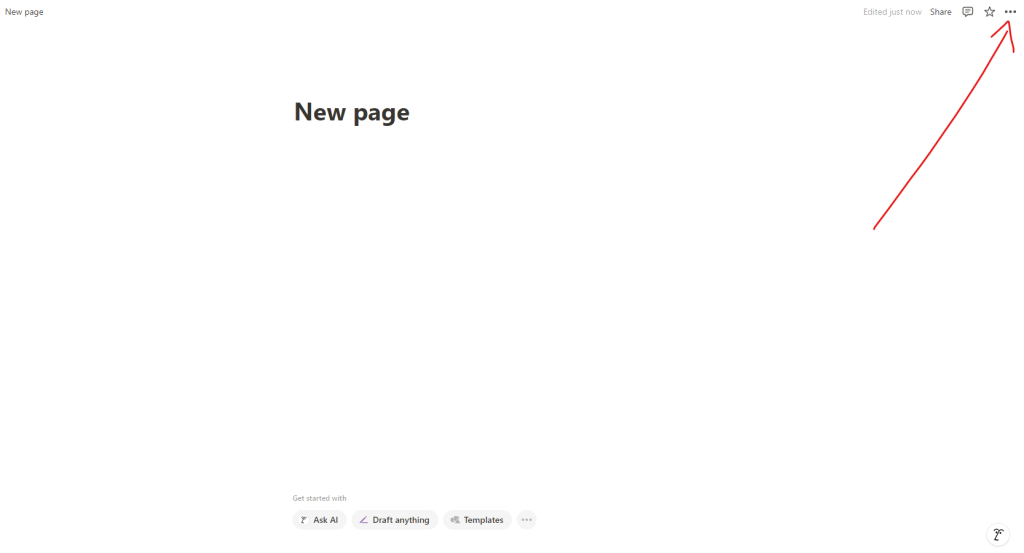
- Click the three dots at the top right of the page
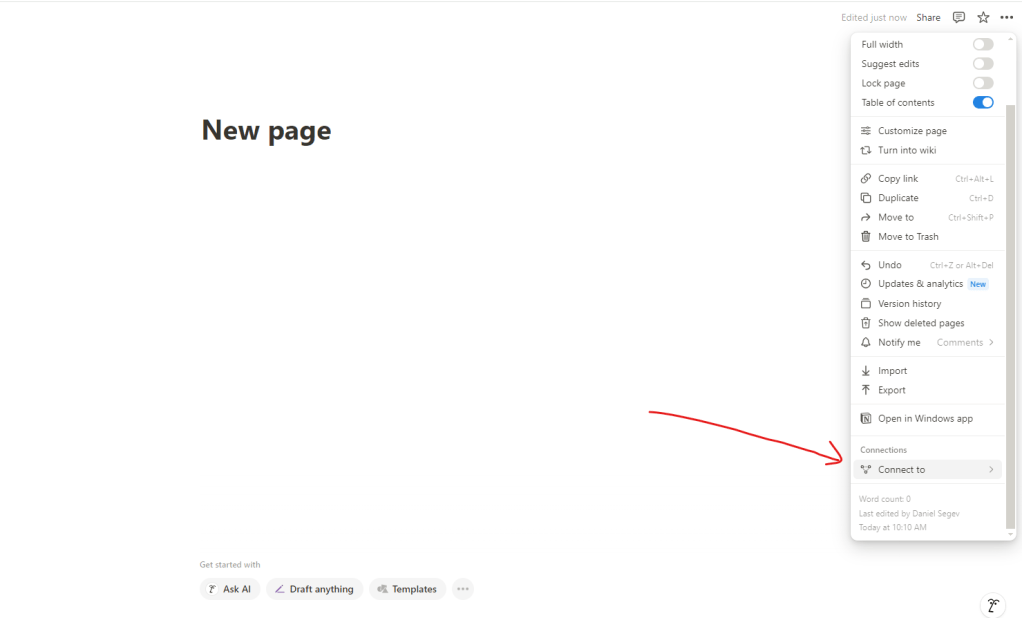
2. Scroll down to “Connect to”
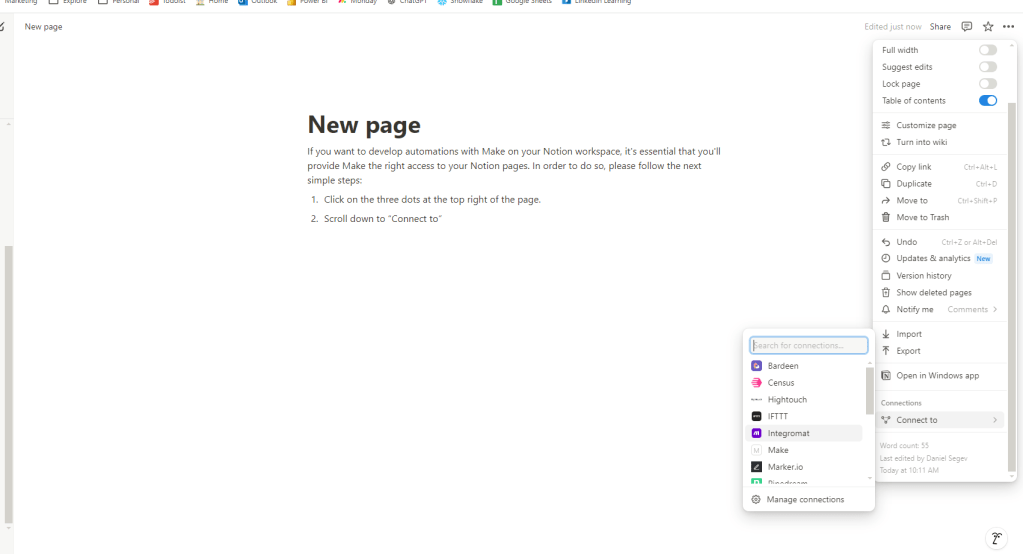
3. Select Make from the list
4. Click “Confirm”
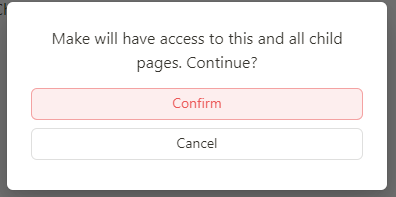
That’s it! From this point, Make will be able to make adjustments to that page and all of its sub-pages or databases.
If you have any questions or need further clarification, please don’t hesitate to reach out.
Happy automating!



 Marketing, Data, Automations, etc.
Leave a comment